Fitz and FitSmith are a pair of tools for working with
FITS images.
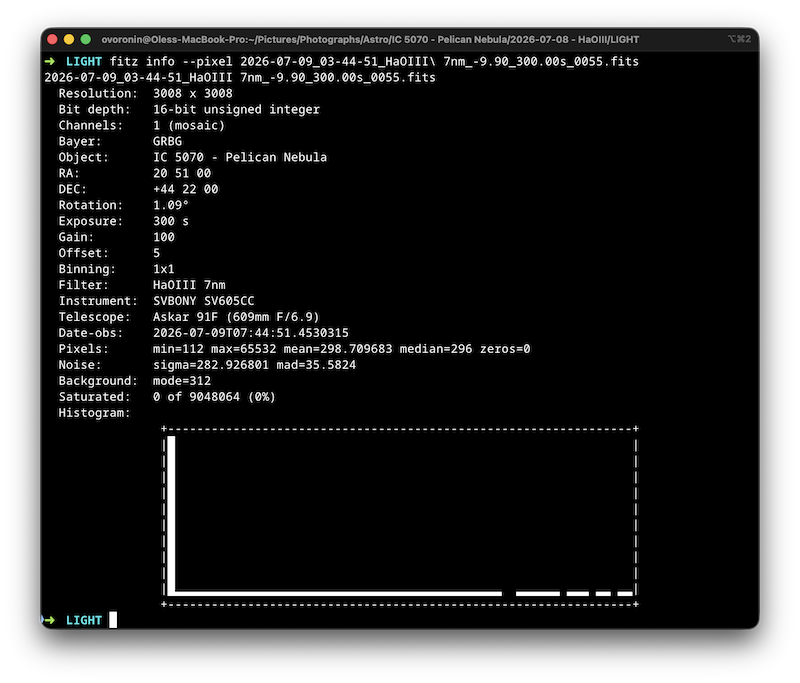
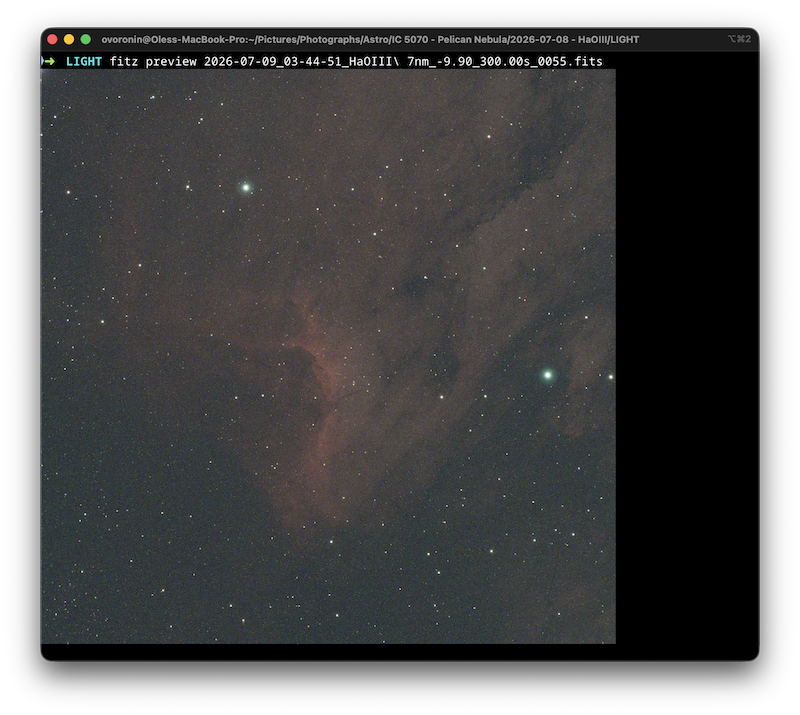
They allow viewing FITS image, both RGB and raw, view statistics, such as
mean, median, std deviation, min and max ADU, histogram and star analysis
(HFR, FWHM, eccentricity).
FITZ is the command-line tool aimed at batch processing (compressing, stretching, exporting) and quick preview of the image and the headers without leaving the terminal.
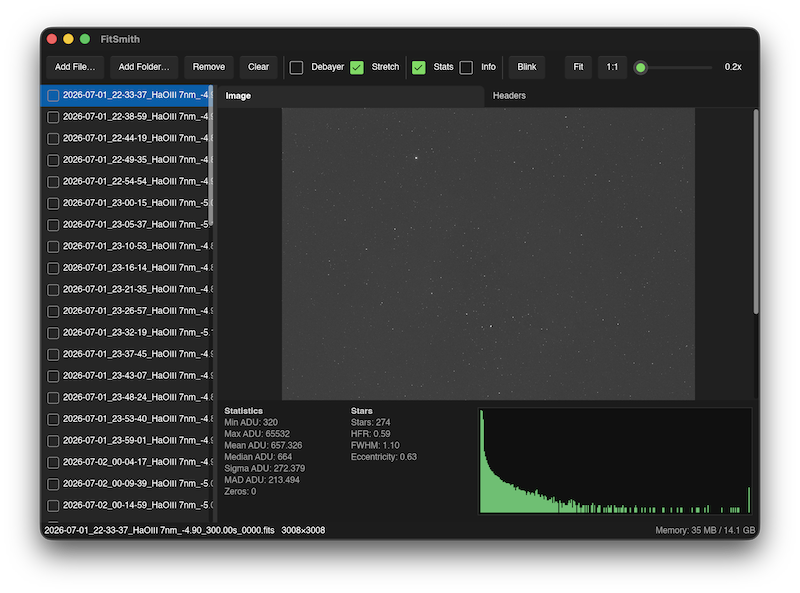
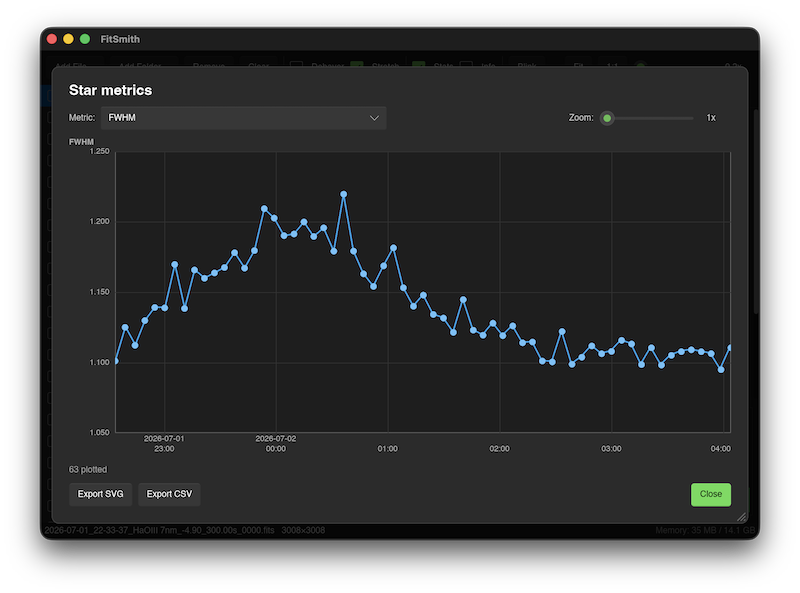
FitSmith is the GUI companion to Fitz. It provides similar functionality, but also provides tools for analyzing and culling the whole sessions — blink, charts of statistical data and star analysis, and automatic selection and deletion of bad frames.
Download
Current version (0.5.5) of Fitsmith & Fitz can be downloaded for the following platforms:- macOS (Apple Silicon)
- Linux (x86_64) .deb
- Linux (x86_64) .rpm
- Windows (x86_64)
macOS
DMG for macOS (arm64).To install, open the DMG and copy to the Applications folder to run the application.
Note: macOS will block the application from running because it is not notarized. You will need to allow it in System Preferences -> Security & Privacy -> General or using the terminal command:
sudo xattr -rd com.apple.quarantine /Applications/FitSmith.appLinux
DEB for Debian/Ubunti/Mint etc. and RPM for Fedora/RHEL etc.. Both packages install the fitsmith and fitz binaries and make FitSmith available in your DE.
Windows
ZIP with the FitSmith.exe. Unpack it and run it.
A bit of history
Fitz was born as a command-line tool to compress or decompress FITS files. I vibe coded it with AI in couple of hours and it worked great allowing me to save some space by compressing processed astrophotography images.
I've kept adding functionality to it and then extended it with a GUI companion called FitSmith. About at the same time I've decided to rewrite it by hand instead of relying on AI. I wanted to understand what the code does.
Current version of the applications has all the core functionality implemented by hand with focus on performance and correctness.
FITZ and FitSmith are free and open-source with the source code available on GitHub.
The source code is licensed under the MIT License.